
How to export subscribers from Flowletter
You can export your subscribers from Flowletter as a CSV file at any time.
Export a whole list
1) Login to your portal.flowletter.io account.
2) Select "View all lists" and select your list.
3) Select "Export all subscribers" at the top of the list. A CSV file will download with all the subscribers in that list.

Export subscribers from a campaign
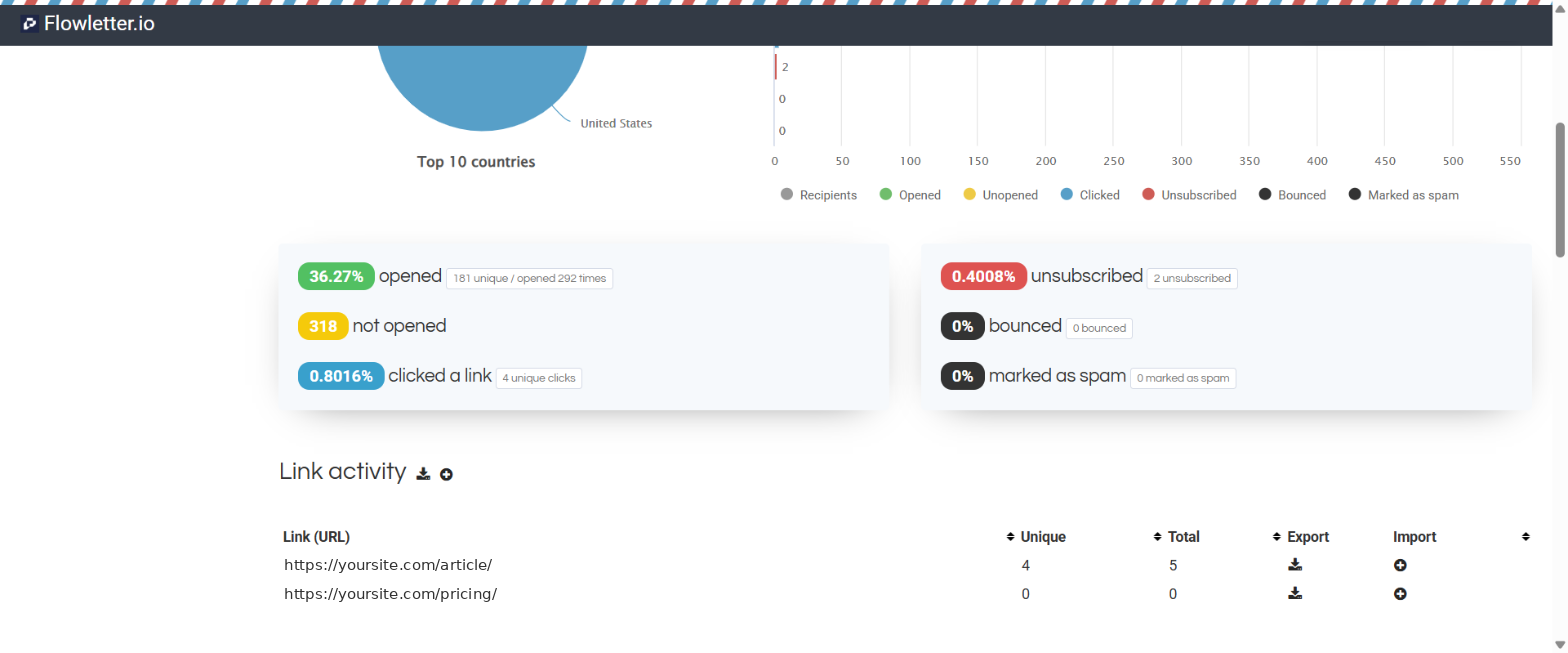
Open a campaign report (select "All campaigns" and then the campaign). Use the download icons to export the subscribers who clicked a link. See "How to read your campaign report in Flowletter".
Export inactive subscribers
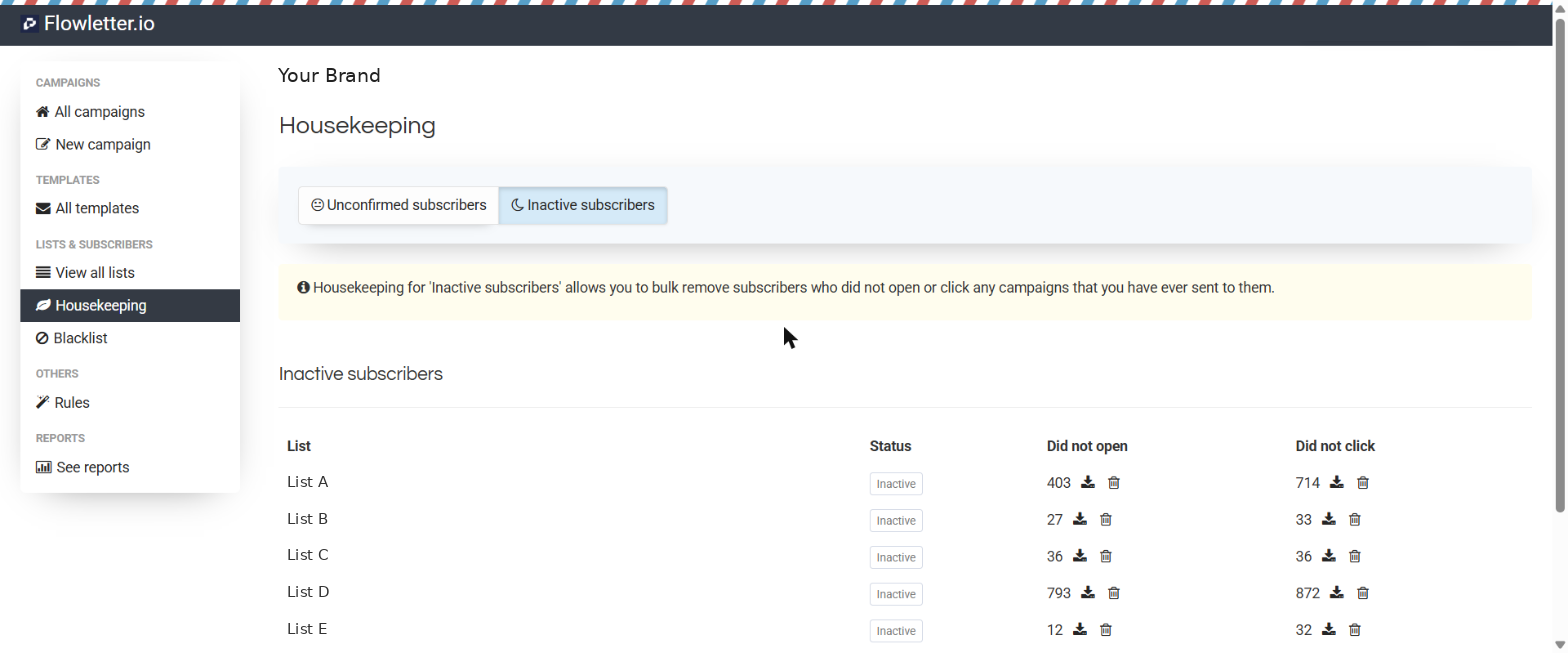
Select "Housekeeping" and then "Inactive subscribers". Select the download icon next to "Did not open" or "Did not click" for any list.
lease note: exported files contain your subscribers' personal data. Store them securely and delete them when you no longer need them.